Flying Windows: your pictures, flying through space
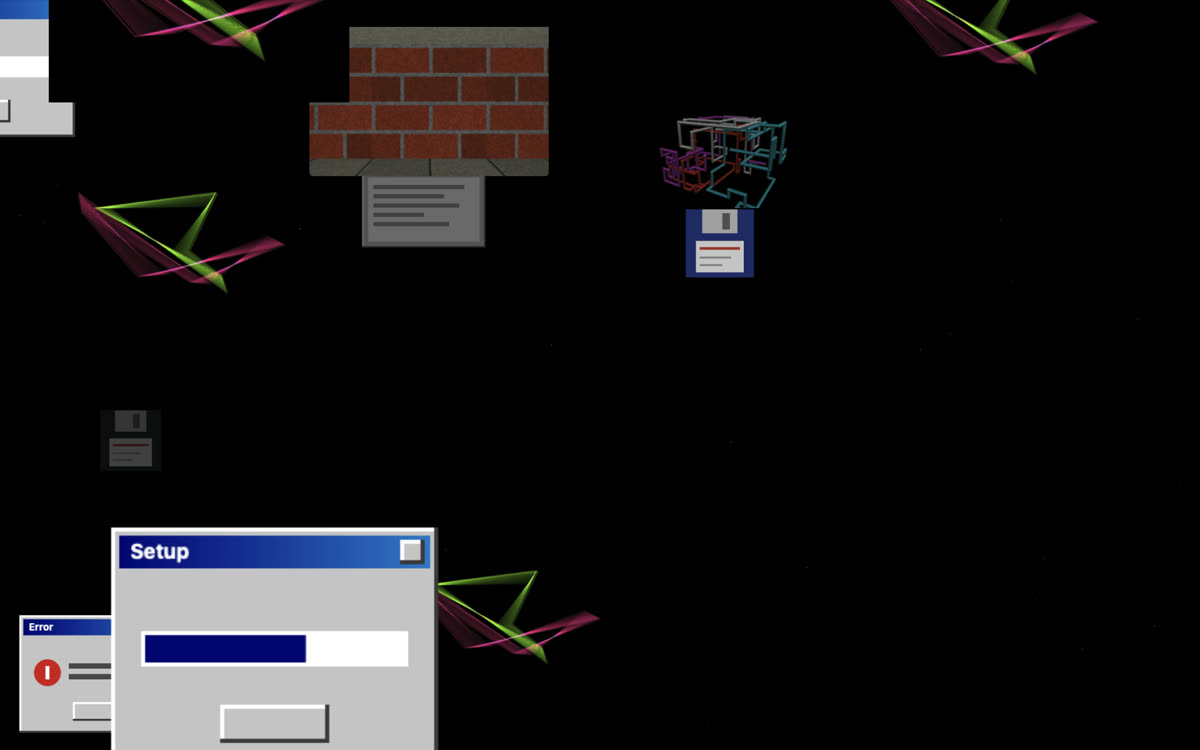
Your photos and logos fly out of the darkness towards you, with retro dialog boxes and floppy disks for company.
Pick a few photos or logos. They stay on your computer and are never uploaded.
This is a browser preview. The Mac app runs it natively with Metal, plus CRT curvature, glow, your own pictures and more.
Some of the best-loved screensavers had things flying at you out of the dark. Ours flies whatever you choose: holiday photos, your pets, your company logo. Add up to eight pictures and they drift through a starfield, growing as they rush past.
Mix them in with our retro dialog boxes, error messages and floppy disks, or let your pictures fly on their own. Try it above with a few of your own photos. They stay in your browser and are never uploaded.
What you get
- Up to eight of your own photos, logos or PNGs
- Your pictures only, or mixed with retro dialog boxes and floppy disks
- Transparent PNGs keep their shape
- Adjustable speed and how many fly at once
- Optional background picture
A screensaver that's actually yours
Put the team's photos on the office Mac, your logo on the reception screen, or a slideshow of last summer on your desk. The retro windows add a little joke about all the dialog boxes we clicked through in the nineties.
How to install it on your Mac
Download Idle98, open it and click Install. The screensaver goes into your own Library, so you don't need an admin password and nothing touches your system files.
macOS asks you to choose your screen saver yourself, so Idle98 opens the right page for you: System Settings, Wallpaper, then Screen Saver. Pick Idle98 and set how long your Mac should wait. Everything else, like which screensaver plays and how it looks, you choose in the Idle98 app.
Is this the Windows flying windows screensaver?
No. It's an original screensaver with its own artwork, inspired by the flying screensavers of the 1990s. Idle98 isn't affiliated with Microsoft.
How many pictures can I add?
Up to eight. Any common format works, and PNGs with transparent backgrounds keep their shape.
Which Macs does it support?
Works on macOS 14 Sonoma and later, on Apple Silicon and Intel Macs, with Retina and external displays.
Flying Windows comes with all 9 Idle98 screensavers: 3D Pipes, Starfield, Polygons, Bouncing Logo, 3D Maze, 3D Text, Digital Rain, Defrag, Flying Windows. One payment of $9.99, yours forever.
Also try: 3D Pipes · Starfield · Polygons · Bouncing Logo · 3D Maze · 3D Text · Digital Rain · Defrag