A starfield screensaver for your Mac
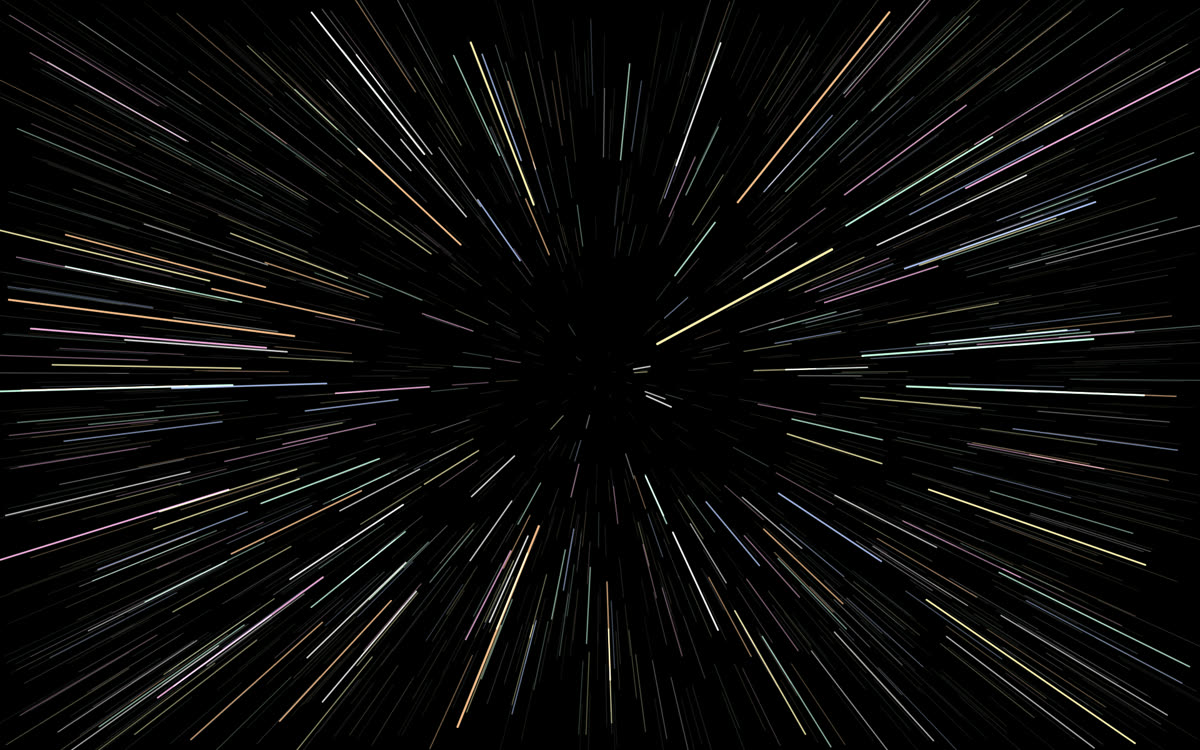
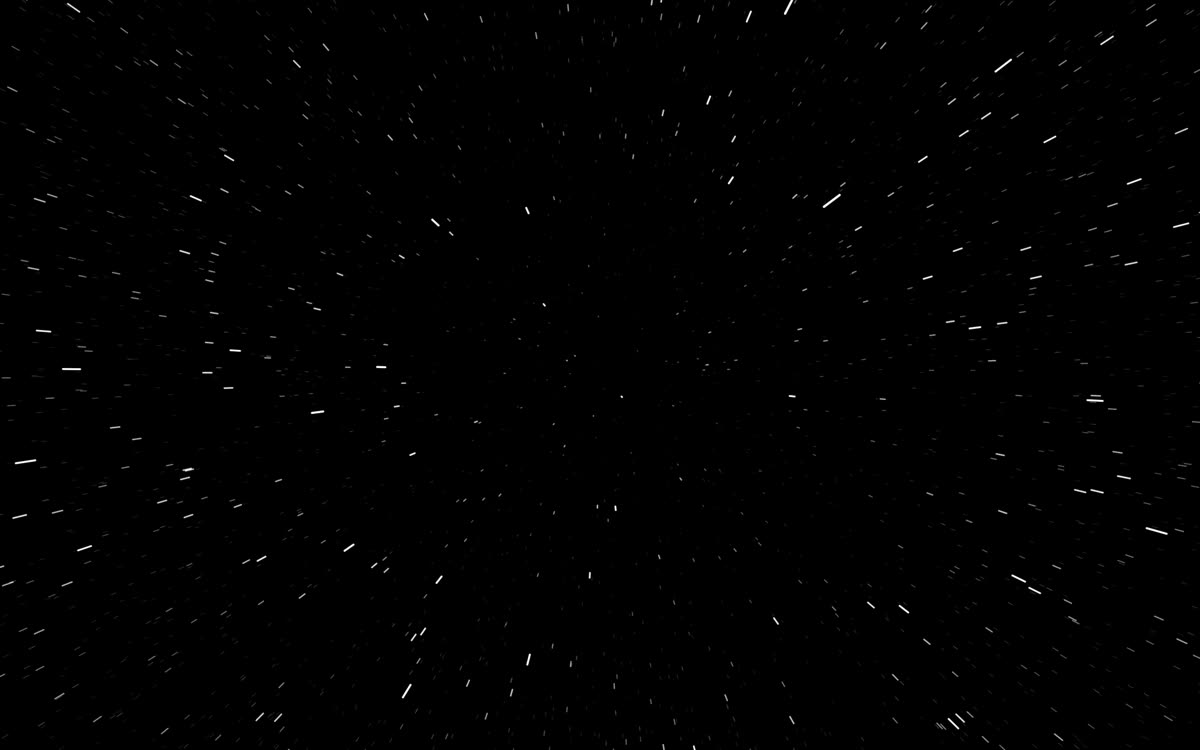
Stars rush towards you out of the dark. Hit warp speed and they stretch into streaks.
This is a browser preview. The Mac app runs it natively with Metal, plus CRT curvature, glow, your own pictures and more.
The starfield was the screensaver that made an office computer feel like the bridge of a spaceship. Points of light appear in the distance, grow brighter as they get closer and slide past the edges of the screen.
Idle98's Starfield brings it to macOS with smooth motion at any frame rate, sharp stars on Retina displays and a few extras the original never had.
What you get
- Adjustable flight speed and star density
- Optional coloured stars: blue giants, yellow suns, red dwarfs
- Warp-speed mode with long light streaks
- Retro pixel mode for a 640×480 look
- Optional background picture behind the stars
Gentle drift or full warp
At low speed with a sparse field, Starfield is calm enough to leave running on a desk all day. Turn up the speed, add more stars and switch on warp, and it becomes the jump to light speed. Add scanlines and glow for a CRT feel.
How to install it on your Mac
Download Idle98, open it and click Install. The screensaver goes into your own Library, so you don't need an admin password and nothing touches your system files.
macOS asks you to choose your screen saver yourself, so Idle98 opens the right page for you: System Settings, Wallpaper, then Screen Saver. Pick Idle98 and set how long your Mac should wait. Everything else, like which screensaver plays and how it looks, you choose in the Idle98 app.
Is this the Windows Starfield screensaver?
It's an original recreation inspired by the starfield screensavers of the 1990s. No Windows code or files are used, and Idle98 isn't affiliated with Microsoft.
Can I use it on more than one monitor?
Yes. Each display runs its own starfield.
Which Macs does it support?
Works on macOS 14 Sonoma and later, on Apple Silicon and Intel Macs, with Retina and external displays.
Starfield comes with all 9 Idle98 screensavers: 3D Pipes, Starfield, Polygons, Bouncing Logo, 3D Maze, 3D Text, Digital Rain, Defrag, Flying Windows. One payment of $9.99, yours forever.
Also try: 3D Pipes · Polygons · Bouncing Logo · 3D Maze · 3D Text · Digital Rain · Defrag · Flying Windows